FromMessagetoOrder
Orders in your Messenger. Details everywhere.
Learn how to collect order requests, organise the details and connect your Facebook Messenger replies using Google Forms and Google Sheets.
Complete 30-page illustrated eGuide. Free for 14 days.

Hi! I'd like to order
Name? Quantity?
2:14 PM
Did you get my order?
— no details sent —
Yesterday
Can I add one more?
Which item?
Mon
The problem
Your inbox wasn't designed to be your order administration.
One customer sends a name. Another forgets the quantity. Someone asks whether their order has been received.
Before long, you're scrolling through conversations just to find the information you need.
Give every order request a clearer starting point.
How it works
Three tools. One clearer way to handle order requests.
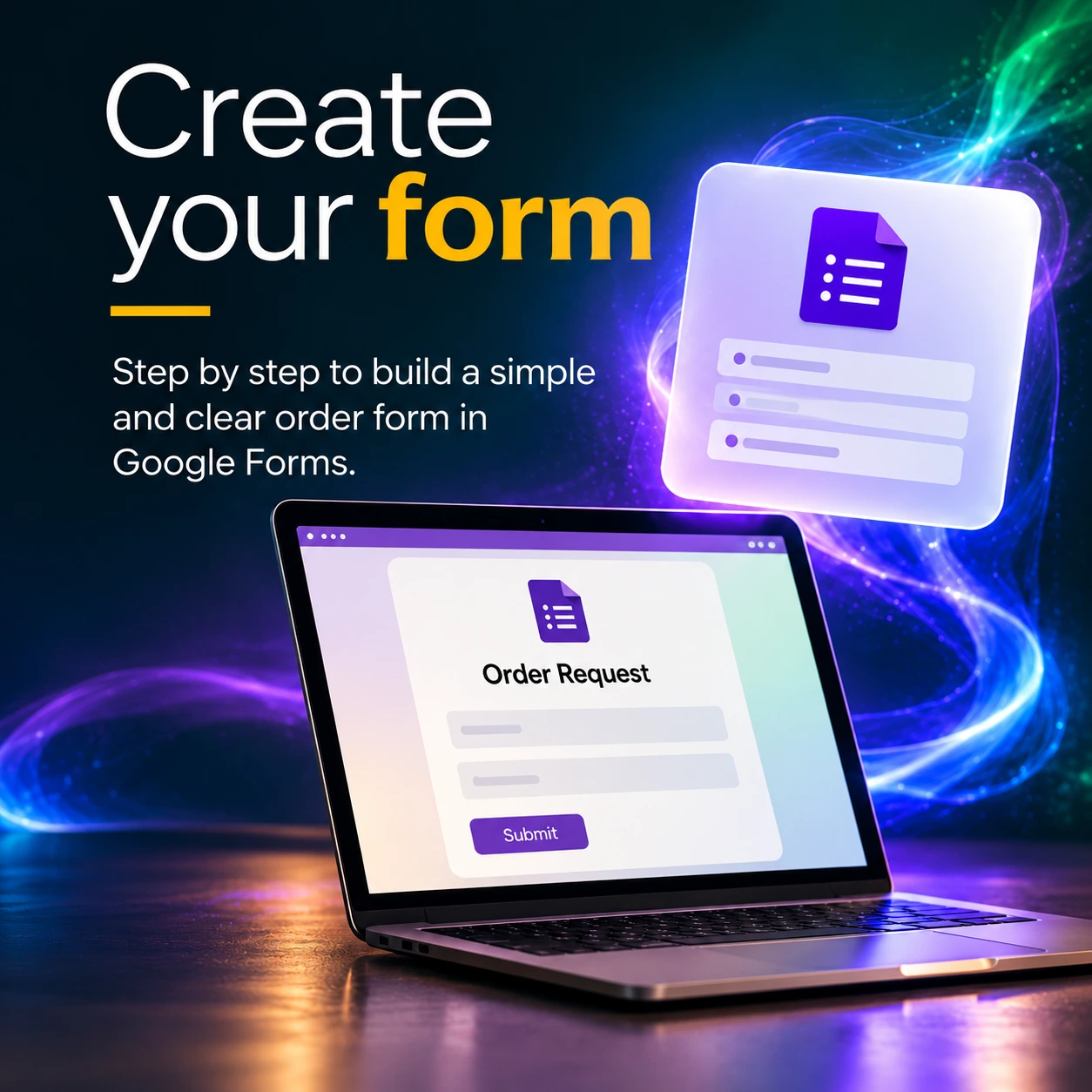
Create your form
Build a Google Form around the questions your business actually needs. Choose the right answer types, decide which details are required and make the form easy for customers to complete.
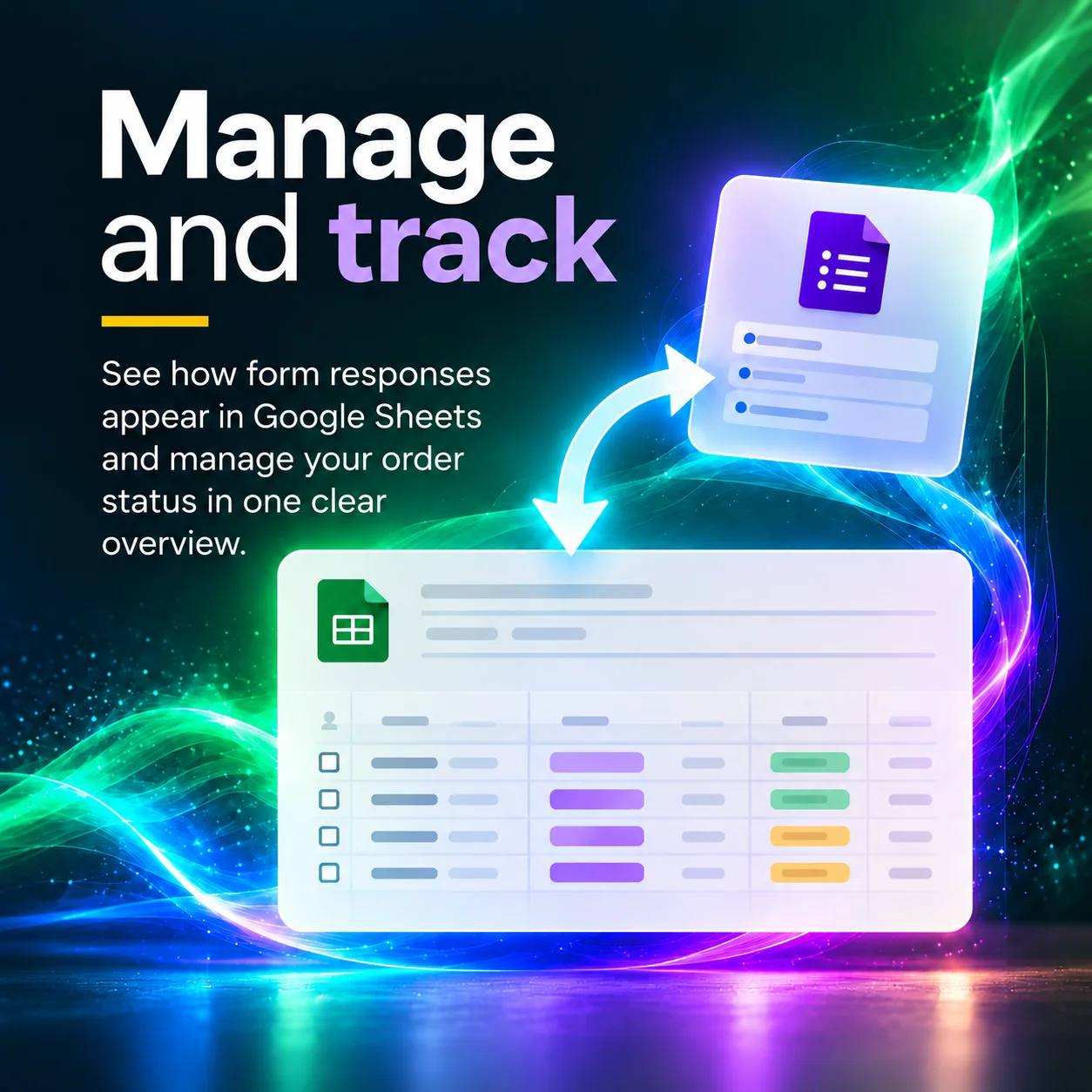
Manage and track
Connect your form to Google Sheets and see submitted requests appear in separate rows. Add your own checkboxes, dates and status fields to keep track of what needs attention.
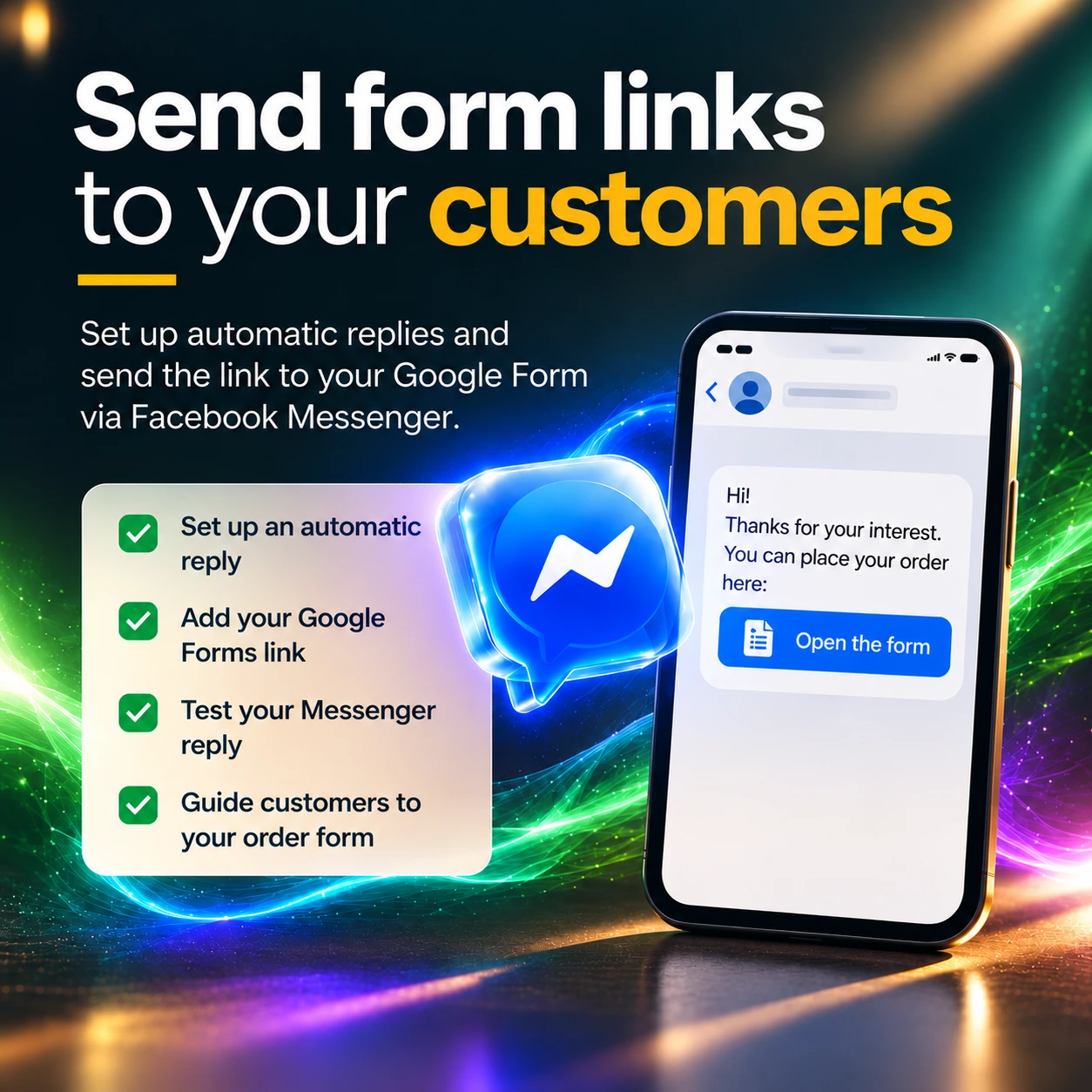
Connect Messenger
Set up a Facebook Messenger automatic reply that shares your order form link. Customers can open the form, submit their details and give you a clearer starting point.
How the pieces connect: Messenger shares the link. Google Forms collects submitted answers. Google Sheets receives form submissions automatically. Additional administration is manual.
Inside the guide
Everything you need to build your first order request workflow.
Thirty pages of illustrated, step-by-step guidance, written for beginners and designed to help you follow the process yourself.
- Prepare Google Forms and choose suitable settings.
- Create customer questions using the appropriate answer types.
- Publish your form and test customer access.
- Connect Google Forms to Google Sheets.
- Add your own administrative columns, checkboxes, dates and status dropdowns.
- Test multiple submissions.
- Set up a Facebook Messenger automatic reply.
- Review privacy, access and important limitations.
Made for the business owner behind the messages.
Whether you sell handmade products, take requests through your Facebook Page or simply want a more organised way to receive customer information, this guide shows you how to create a practical starting point.
Benefits & limitations
What works well. And what to keep in mind.
What works well
- Basic Google Forms and Sheets features are accessible with a Google account.
- One form link collects consistent customer details.
- Form submissions appear automatically as new rows in the linked Google Sheet.
- You can choose questions and administrative fields to suit your business.
What to keep in mind
- This is not a webshop or payment-processing system.
- Orders, payment checks and administrative updates still require manual attention.
- Form links may be forwarded, so only collect information you genuinely need.
- Google and Meta may change their features, menus and availability.
Customer information should be handled responsibly. Keep your spreadsheet private and only collect the details you genuinely need to fulfil an order request.
Free guide registration
A clearer order process starts with one small change.
Get your complete 30-page From Message to Order eGuide free during the 14-day introductory offer.
Enter your details below and receive your PDF access link by email.